01Setup
Settings
What gets counted, phases, marks and classification: one window per topic, set once per project.
Setup panelOnce per project
WBS and BOQ tools for Revit
Every element in your Revit model gets a WBS code. Every line in the bill is counted from those codes, and traces back to its elements.
Qubiq codes every element on the Revit ribbon. Rubiq, in the office, turns the codes into the priced bill.
Download for Windows →What gets counted, phases, marks and classification: one window per topic, set once per project.
An item is known by its mark alone: Revit’s Type Mark, or Qubiq’s own field. Types that share one are listed together.
Spec and Size segments split one type into exactly the items the QS prices.
The office template comes down from the cloud by itself. Every change is a version a coordinator can restore.
One run writes the eight WBS segments of every element, from its zone, level, workset and mark.
Problems show up before the bill leaves Revit, each with its reason and its elements one click away.
Qubiq’s built-in checks and the office’s own, each with the reason why.
Pick one element to see the quantity of its bill line across the whole model.
A schedule for each category you pick: chapter, mark, item and quantities, with totals. The office keeps its own.
One legend naming every item the project uses, by category and chapter.
The office team, their roles, and who receives the daily WBS audit.
One click sends the model’s bill to the office, with a preview of every row. Rubiq takes it from there.
Chapters, super-voices, items and sub-voices turn a model line into the lines the QS prices.
For an item the library can’t answer, Rubiq proposes the sub-voices. A person accepts, edits or rejects.
Official regional price lists, or your own from Excel. Rubiq suggests a code for each line; one list prices a bill.
One block per voice, each line priced from its code, and the bill’s total. Export it as it reads.
Key plans for Navisworks clashes, and your region’s price list in Rubiq. Tell us what to build next, and try early builds on the beta channel.
Every tool, on the ribbon and in Rubiq, keeps to all six.
Qubiq writes its own parameters and never moves, deletes or changes geometry. One switch pauses it for a project.
Built against each Revit from 2022 to 2027. No pyRevit, no frameworks, no scripts to keep alive.
One office template in the cloud reaches every seat and every model. Every change is a version you can restore.
Rubiq proposes sub-voices and price codes. A person accepts, edits or rejects; nothing is written until then.
Each computer signs in once. A seat keeps working for 14 days without a connection.
The updater runs outside Revit and keeps every seat on the office’s build. No licence server, no reinstalls.
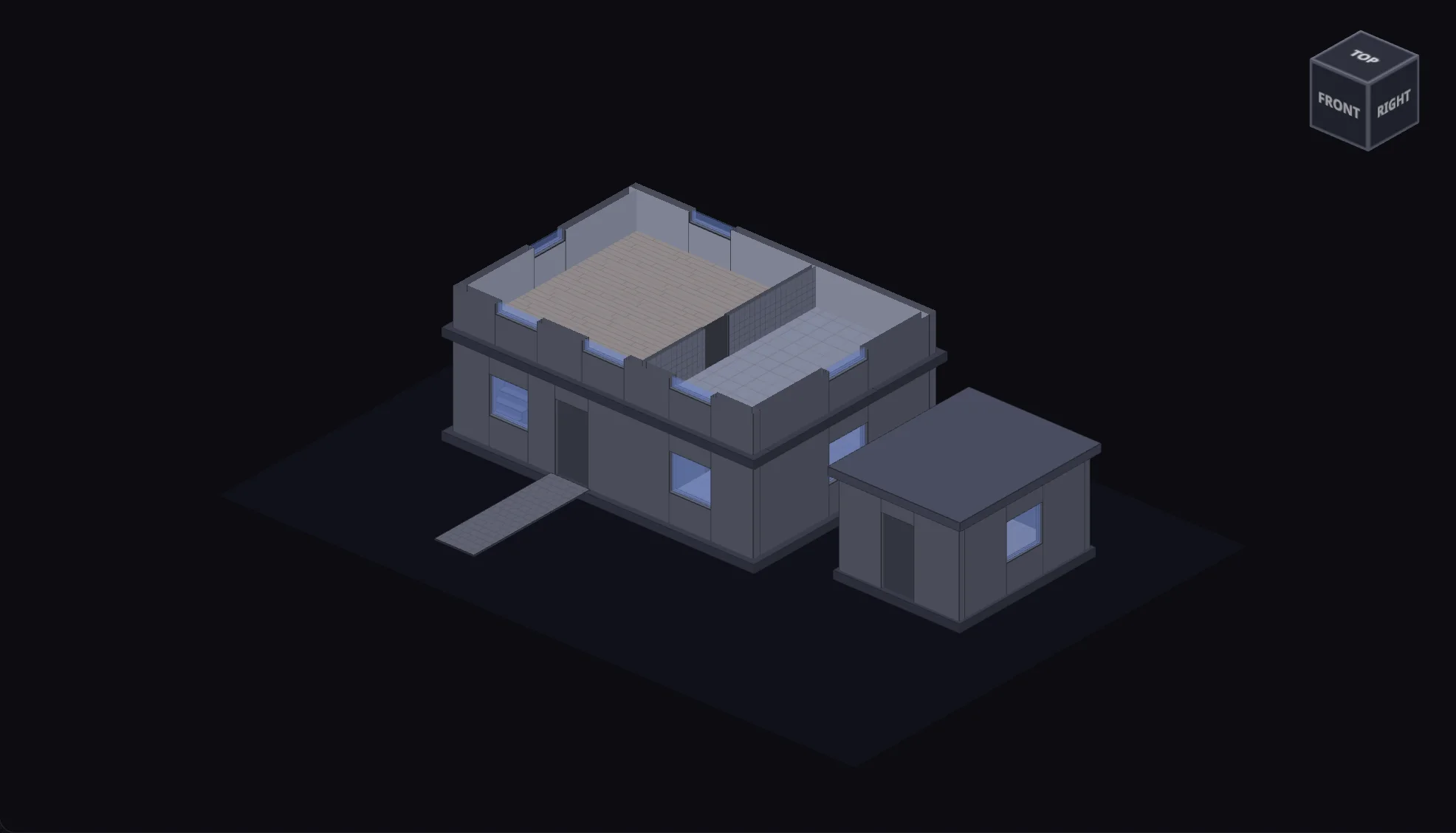
The model
Turn it as you would in Revit, tag it, send its bill to the office, price it and export it. It takes about a minute.
Nothing to install · nothing is sent anywhere
Nothing picked
Click any part of the model: a wall, a door, a window, the roof, the paint on a wall. The floors show from above, and in the plan of each level.
WBS code
Every element gets one, once the model is tagged.
Example data, made up for this page: the house, the library and the prices. Nothing you do here is sent anywhere.
You and one colleague use it free for 60 days, one computer each. For seats and pricing, write to us.
Your office has a licence key from us? Download the installer and choose “I have a key” in Rubiq.